ceph
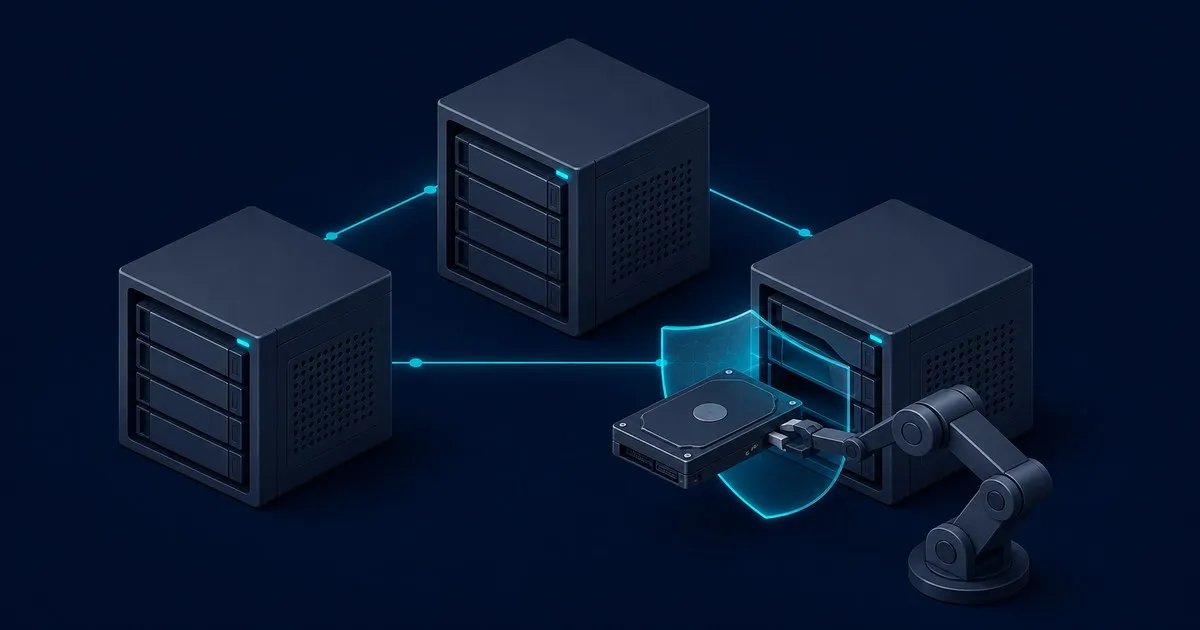
How to Add an OSD to Ceph Safely with cephadm
Add a Ceph OSD without wiping the wrong disk: verify health, inventory the device, dry-run an OSD spec, deplo…
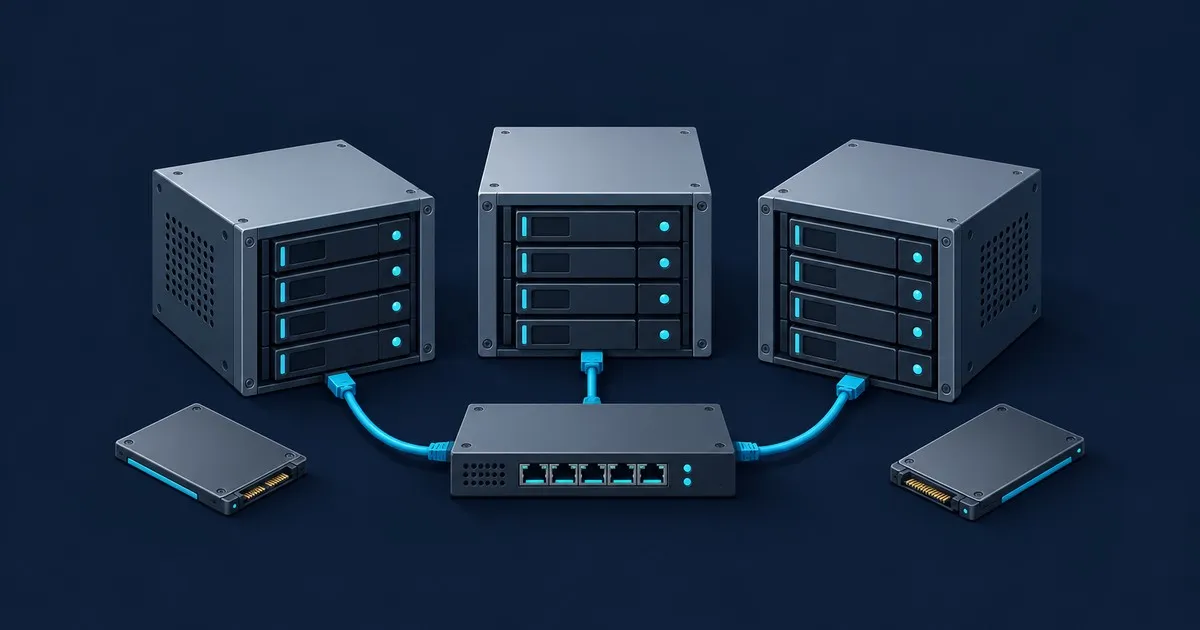
Ceph hardware recommendations for small clusters: CPU threads and RAM per OSD, PLP SSDs, 10 Gb/s networking, and why N100 boxes fall short.
Read the article →Add a Ceph OSD without wiping the wrong disk: verify health, inventory the device, dry-run an OSD spec, deplo…
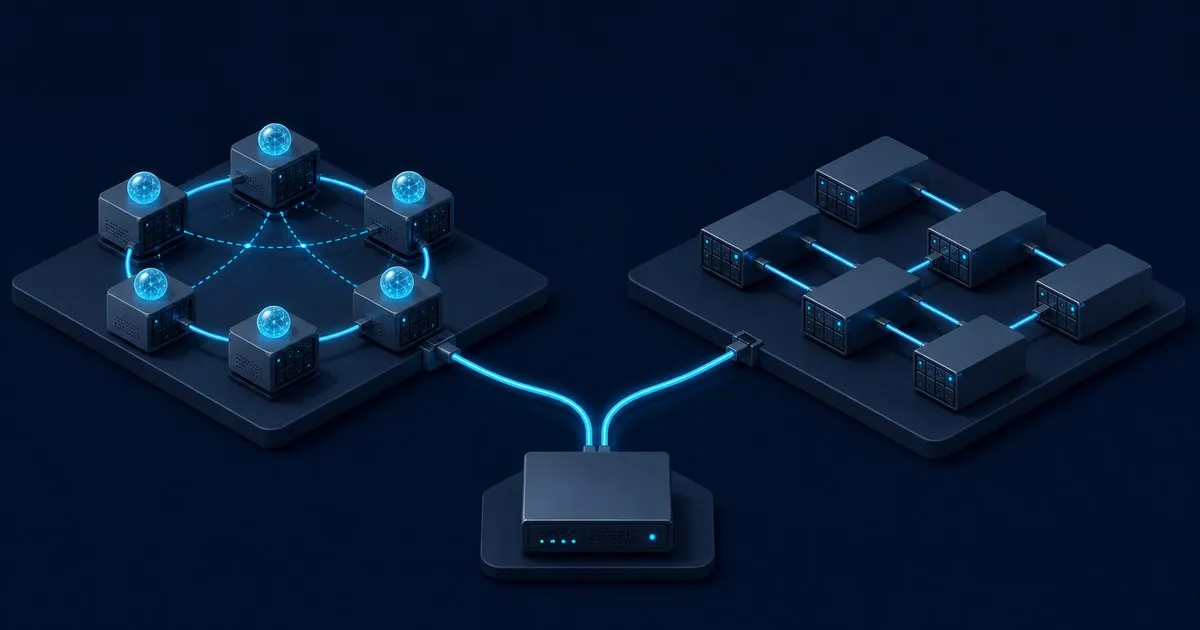
Compare Ceph and GlusterFS by storage model, workload fit, hardware requirements, cluster size, and support o…

How erasure coding and replication differ in space amplification, failure tolerance and write cost, with a k+…

Learn why 3 nodes is the Ceph minimum, how many CPU threads and how much RAM each OSD needs, and the drive an…

A triage order for Ceph HEALTH_WARN covering degraded placement groups, nearfull OSDs, missed deep scrubs, au…

Understand replica counts and where data is stored before changing pool settings.
A three-replica pool turns a third of raw storage into usable space. A 4+2 erasure-coded pool turns two thirds of it into usable space, and charges for that in write latency and CPU. The calculator takes an OSD count, a drive size and a redundancy profile, and estimates raw capacity, theoretical usable capacity and the sum of default OSD memory targets.
Open the Ceph erasure coding calculatorExpanding an existing cluster? Follow the guide to add an OSD to Ceph for device checks, a deployment preview and rebalance verification.